
Change your account details
Update your BelkaVPN password and email, and check your subscription, from the account dashboard at belkavpn.com.
Change your account details
Manage your BelkaVPN account from your dashboard at belkavpn.com/my. You can update your password, check the email on your account, and view your subscription status any time.
[!NOTE] Before you start: sign in at belkavpn.com/login-page with your BelkaVPN email and password. This takes you straight to your dashboard.
Quick summary
- Open your dashboard and go to the Overview tab.
- Select Change next to your password to set a new one.
- Review your email, subscription status, and referral code in the same panel.
Step 1 — Open your account panel
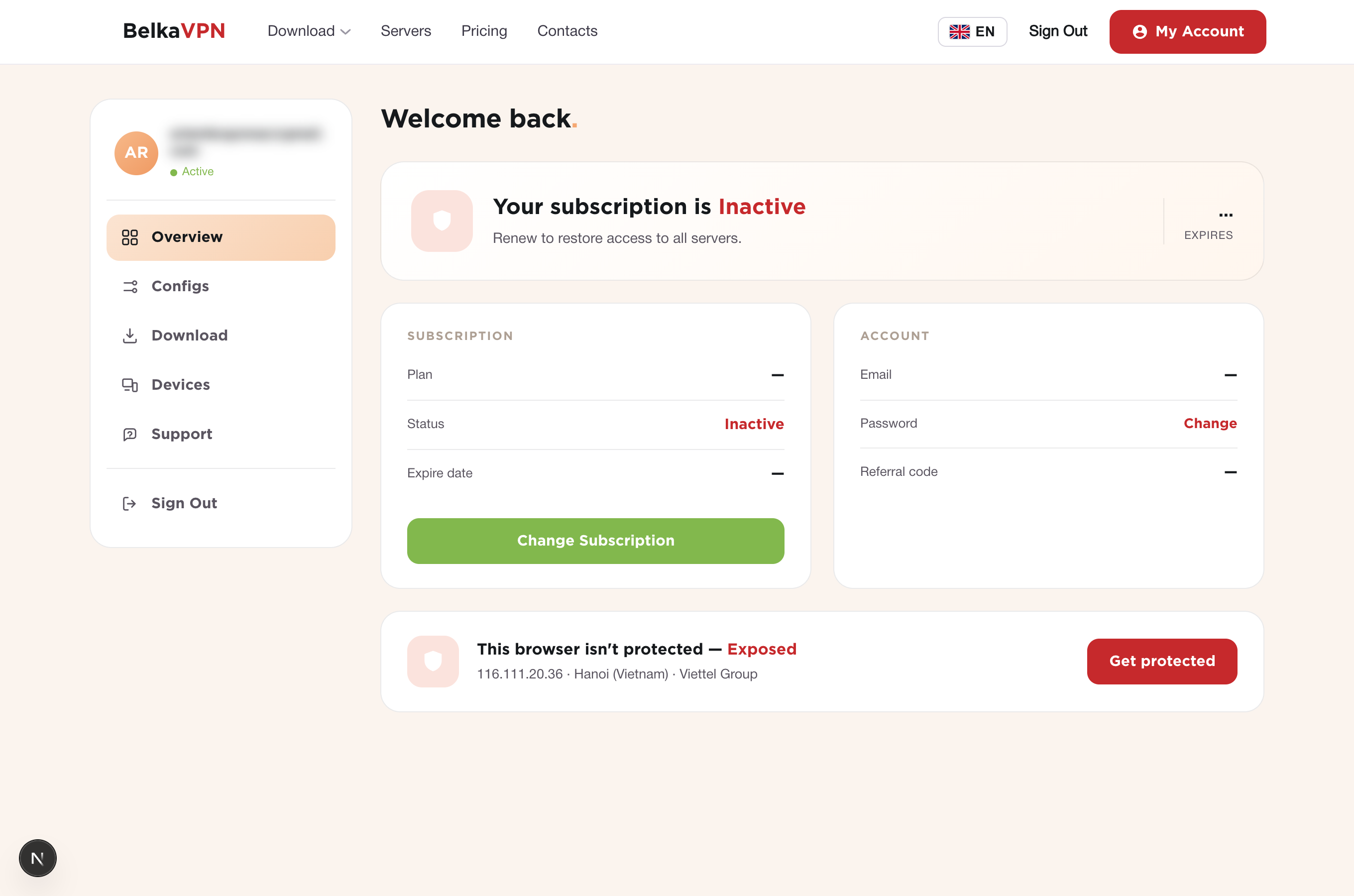
After signing in, go to belkavpn.com/my and open the Overview tab. The account panel shows your email, a Change action for your password, your subscription status, and your referral code.
Step 2 — Change your password
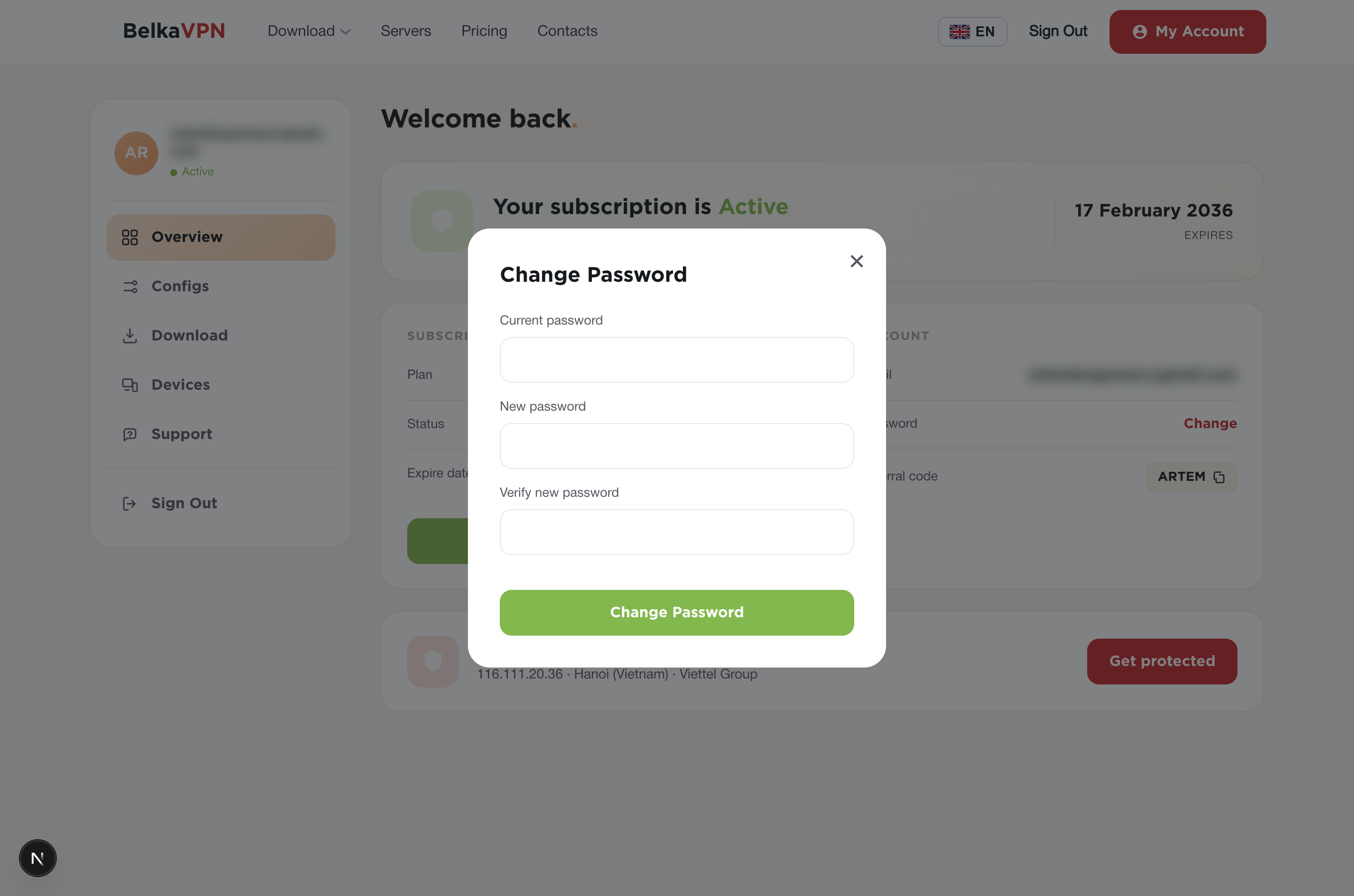
- In the account panel, select Change next to your password.
- Enter your new password.
- Confirm it, then save.
[!NOTE] Forgot your current password? Use the Forgot your password? link on the sign-in page to reset it by email, then return to your dashboard.
Step 3 — Review your email and subscription
The Overview panel shows your account email next to your subscription status and referral code. Check here to confirm which email gets your BelkaVPN notifications and to see whether your plan is active.
[!NOTE] The legacy support article also described editing your name, phone number, and address, and changing your email address with an email verification step. The current dashboard shows your email but does not expose these fields for self-service editing. To change the email on your account, contact BelkaVPN support.
Troubleshooting
- You can't sign in to the dashboard. Double-check your email and password at belkavpn.com/login-page. If you've forgotten your password, use the Forgot your password? link to reset it.
- Your new password won't save. Make sure both password fields match and meet any strength requirement shown on screen.
- Your subscription shows as inactive. Check that your plan hasn't expired. If it has, renew it, then reconnect.